

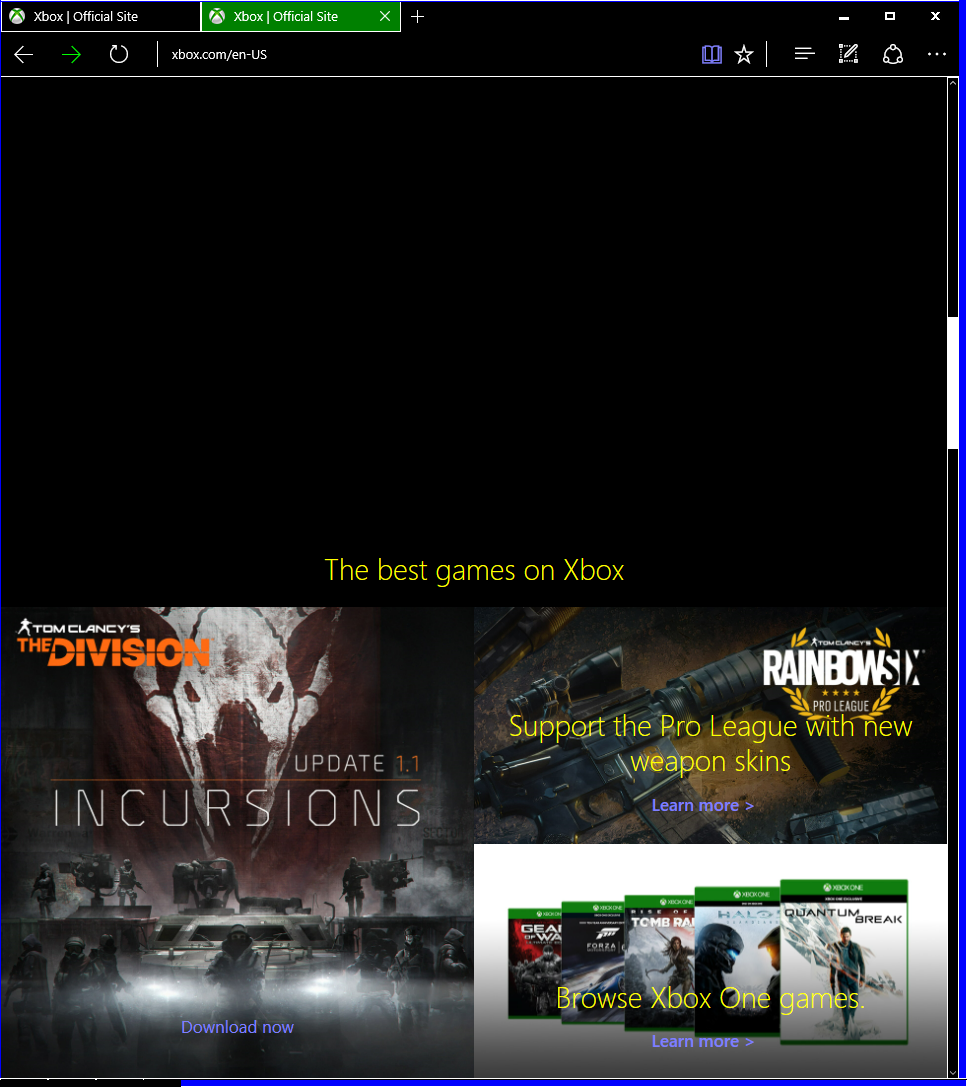
Microsoft Edge team today shared more information about the upcoming native support for the mode UI Automation accessibility framework that will be part of the Windows 10 Aiversary Update. UI Automation framework allows Windows applications to provide programmatic information about their user interface to assistive technology products such as screen readers.
Along with the platform, user experience, and legibility improvements, Microsoft Edge team have also added few user experience features and fixes:
- Implemented the Web Speech Synthesis API
- Improved caret browsing on Windows Phone with exteal keyboards
- Improved Microsoft Edge frame-to-content focus transitions
They also revealed some of the features they are currently considering for Edge,
- Improving the UIA
TextPattereading experience based on user feedback - Enabling the web platform to take into account the “Text size” slider, available in Ease of access > More options on Windows 10 Mobile
- Improvements to input controls and scrollbars in high contrast mode
- Improvements to the text contrast ratios of controls
- Improvements to touch and keyboard experience with Narrator on the web for desktop and mobile
- Tweaks to the focus outlines to make finding and tracking elements in the browser easier
Read more about it here.