

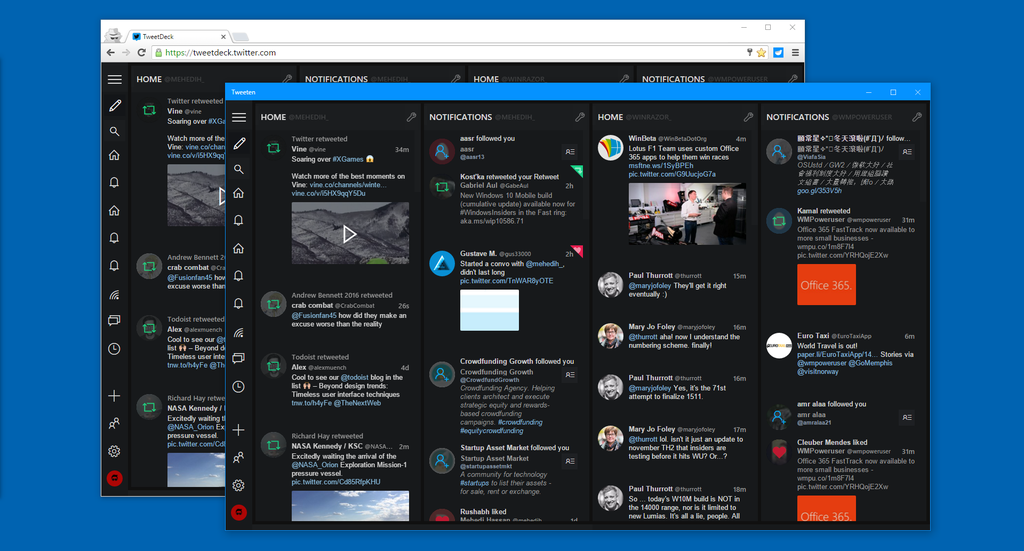
Tweeten for Windows has picked up an update to version 1.9. This update brings a number of minor improvements, with likely the most significant being even slimmer columns for the real twitter power users.
The update also brings a number of bug fixes.
See the full changelog below:
- You can now enable classic TweetDeck style for Like and RT icons
- You can now disable Twitter Card and Poll Integration (recommended)
- You can now enabled squared images instead of the rounded images
- You can now disable the spell checker
- You can now enable an indicator for conversations and threads
- You can now make the columns even slimmer
- [Windows] We’ve fixed an issue which caused the app to show wrong info on Program and Features
- [OS X] We’ve fixed the icon issue, and it now appears properly on OS X
- Other minor improvements
Find the app at the links below.
For Windows: tweeten.xyz/windows
For Chrome: tweeten.xyz/chrome
For Edge: tweeten.xyz/edge