

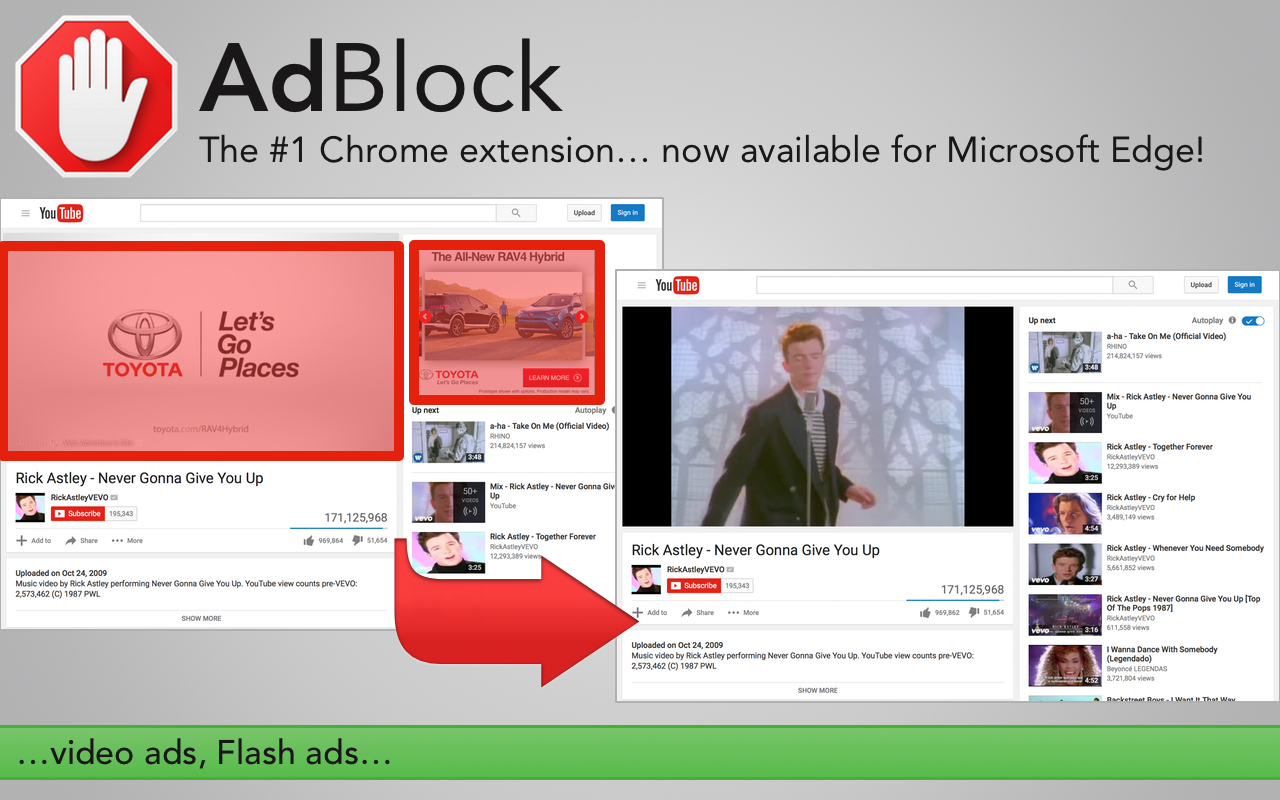
AdBlock and AdBlock Plus are finally available for Microsoft Edge in Windows 10. If you are a Windows Insider ruing the latest build of Windows 10 on your PC, you will be able to try out AdBlock on Microsoft Edge today. Both of these extensions are available via the Windows Store, and installing them is really easy — you’ll be able to install these extensions just like you would install an app. Once you install the extension and open Edge, the browser will notify you that a new extension has been installed and let you enable it. Once enabled, AdBlock should start working and block ads on websites.
At the moment of writing this article, AdBlock and AdBlock Plus are missing a few features such as the ability to add sites to whitelist right from the extension’s Page Action. However, you can still add sites to the AdBlock’s whitelist via its Options page.
AdBlock and AdBlock Plus are two of the major extensions that a lot of users use, and it is nice to Microsoft Edge get these extensions before the feature is available to the public. If you are not a Windows Insider, you will be able to try out AdBlock and other Edge extension when the Aiversary Update is released, which is expected to happen later this Summer.
As per usual, we would really appreciate it if you add MSPoweruser to your AdBlock’s whitelist as it helps us keep the servers ruing and keep the content flowing. If you want to checkout these extensions, you can get them from the links below.

Developer: BetaFish
Developer: Eyeo GmbH