

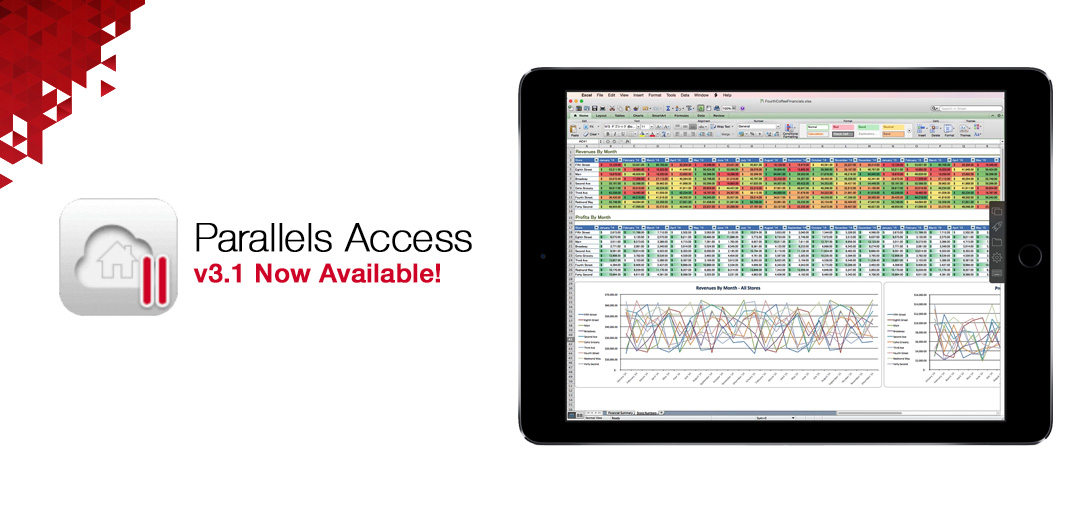
Parallel has aounced support for the iPad Pro in the latest version of its Parallel Access remote access app.
This gives iPad Pro users a convenient and natural way to control their desktop applications from the large 12.9” screen of the device.
The app offers three resolution choices for your mobile device: “Best for your device”, “More Space”, and “Same as Computer”, and otherwise offers:
- Support for 3D Touch on iPhone 6s and iPhone 6s Plus — press to drag-and-drop or right-click
- Support for Apple Pencil with iPad Pro, and other common styluses with all iPads and iPhones
- Folders on the App Launcher
- Support for cursor movement using the onscreen keyboard as a trackpad (in OS 9)
- Support for Windows 10 tablet mode
The new Windows 10 mode makes Windows 10 easier to interact with when you don’t have a mouse or keyboard. Tablet mode is a natural way to interact with Windows 10 when you are using Parallels Access on a mobile device to control your desktop or laptop Windows 10 PC.
Parallels Access also enables you to access to your remote computer(s) from any computer or device with a current web browser (HTML 5); simply login to your Parallels account to select and access your computer without having to install any browser extensions.
Parallels Access 3.1 is a free update to anyone with a current Parallels Access subscription, and there is a free, 7-day trial for anyone else.
Read more about the app at Parallels website here.