
microsoft news

درباره سایت
آخرین مطالب
- OnePlus Nord gets March 2021 security patch with OxygenOS 11.1.1.2 update
- OnePlus 9 and 9 Pro get their first OxygenOS update
- Slack will soon allow organizations to create a private business network for secure communication
- OnePlus Nord receives yet another OxygenOS update, with July security patch, camera imropvements and more
- Apple Co-founder sues YouTube over Bitcoin scam videos
- New Samsung Galaxy Watch 3 comes with fall detection and an amazing hand gesture
- Microsoft’s LinkedIn sued for iOS clipboard snooping
- Deal Alert: Microsoft’s Surface Laptop 3 is $270 cheaper today
- Samsung Galaxy Z Fold 2 will reportedly not launch on the 5th August
- Netmarketshare: Chrome now officially has more than 70% of the desktop browser market.
امکانات وب
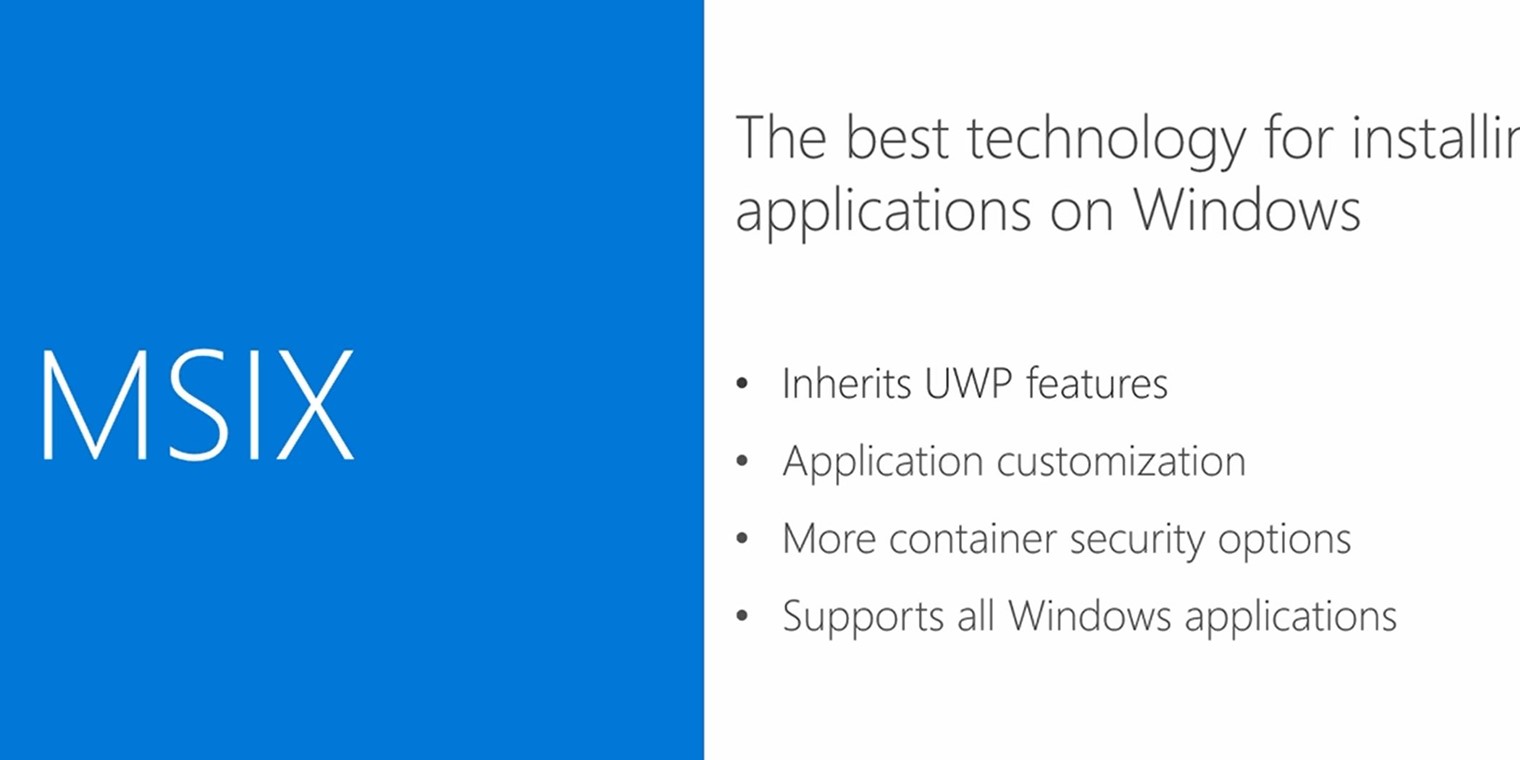
Microsoft today aounced that the MSIX Packaging Tool is now available in Microsoft Store in Preview form. The MSIX format brings together the features of apps and MSI file packaging formats. This new MSIX installer will support all type of Windows applications including Win32, WPF, WinForm and UWP.
MSIX Packaging Tool enables you to update your existing win32 application packages to the MSIX format. You can run your desktop installers through this tool and obtain an MSIX package that you can install on your machine and upload to the Microsoft Store.
As a preview the tool only supports the following features:
- Package your favourite application(msi, exe, App-V 5.x and to MSIX format by launching the tool and selecting “Application package” icon.
- Create a modification package for a newly created Application MSIX Package by launching the tool and selecting “Modification package” icon.
- Open your MSIX package to view and edit its content/properties by navigating to “Open package editor” tab and browsing to the MSIX package and selecting open package
To install MSIX Packaging Tool from Microsoft Store, go here, making sure you are logged in with the MSA that is used for your Windows Insider Program. Next, go to the product description page and click the Install icon to begin the installation.
Prerequisites to use the tool includes:
- Participation in Windows Insider fast or slow rings
- Minimum Windows 10 Build 17701 or later
- Administrator privileges on your PC account
- A valid MSA alias (to access the app from the Store)
Features not supported in the tool are currently greyed out. Here are some of highlighted missing features:
- Some options in the Settings page, such as adding or removing VFS/VREG and defining a default save location.
- Package Support Framework See [link] for more detail on how you can use Package Support Framework today.
- Packaging on existing virtual machines. You can still install the Tool on a fresh VM but the tool caot currently spawn off a conversion from a local machine to an existing VM.
- Command Line Interface support
- Conversion of App-V 4.6 SP3 packages
The app automatically updates from the Microsoft Store. More features will be available in August as Microsoft update the MSIX Packaging Tool (Preview).
Read more about using the tool at Microsoft here and find it at the link below.

Developer: Microsoft Corporation
Price: Free
برچسب:
نویسنده: محمد رضا جوادیان
صفحه بندی
آرشیو مطالب
- فروردين 1400
- مرداد 1399
- تير 1399
- فروردين 1399
- آذر 1398
- آبان 1398
- مرداد 1398
- خرداد 1398
- ارديبهشت 1398
- اسفند 1398
- بهمن 1398
- دی 1398
- آذر 1397
- شهريور 1397
- مرداد 1397
- تير 1397
- خرداد 1397
- ارديبهشت 1397
- فروردين 1397
- دی 1397
- آذر 1396
- آبان 1396
- مهر 1396
- شهريور 1396
- مرداد 1396
- تير 1396
- خرداد 1396
- ارديبهشت 1396
- فروردين 1396
- اسفند 1396
- بهمن 1396
- دی 1396
- آبان 1395
- مهر 1395
- شهريور 1395
- مرداد 1395
- تير 1395
- خرداد 1395
- ارديبهشت 1395
- فروردين 1395
- اسفند 1395
- بهمن 1395
- دی 1395
- اسفند 1394
- بهمن 1394