
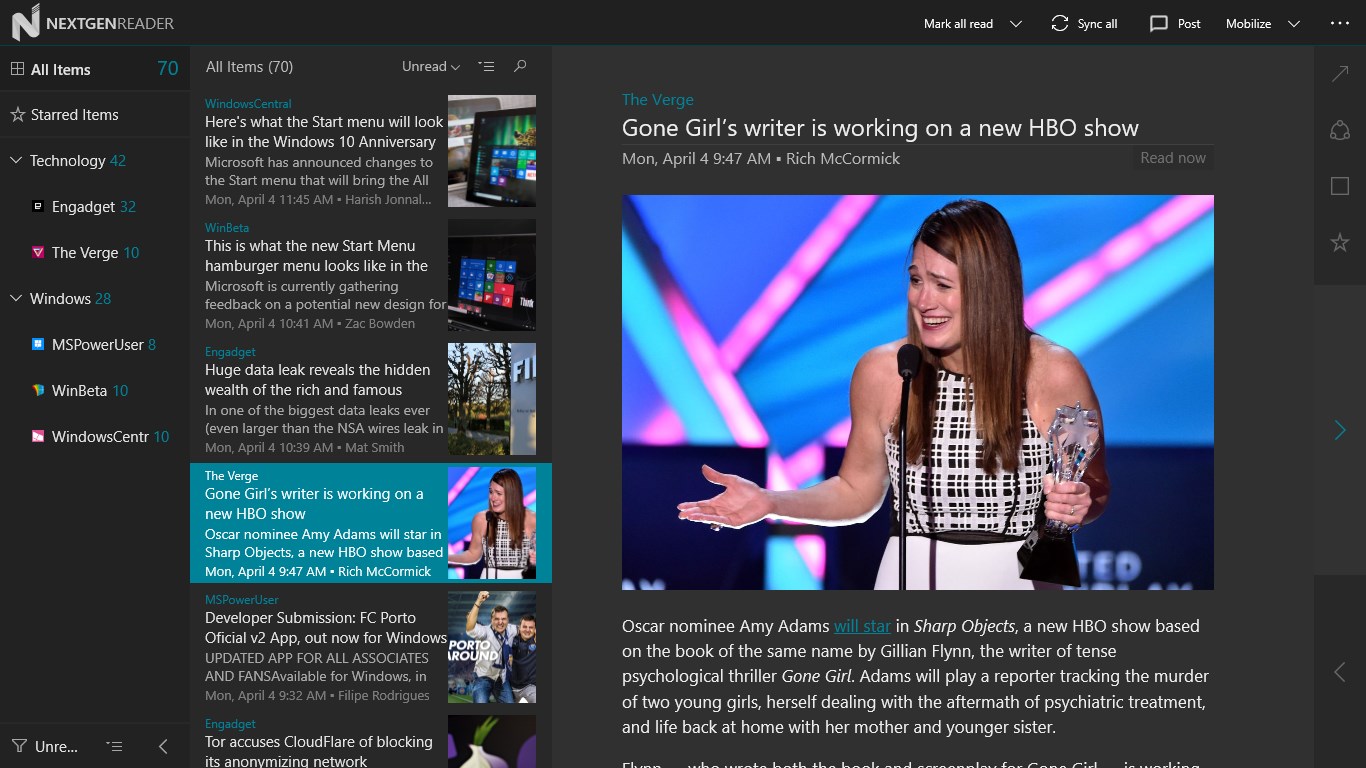
Nextgen Reader, one of the best RSS reader app for Windows is now available for Windows 10 (PCs only). Today, the developers of Nextgen Reader released a major update for the app, bringing it to the Universal Windows Platform and introducing some user interface improvements.
- Upgraded to Universal Windows Platform (UWP).
- Improved scaling and rendering of text.
- Enhanced Grid View UI (tap the three dots and select grid view).
- New: Feed management – add, edit, move or delete feeds.
- New: Search feeds by title, URL or #topic.
- New: List style with story thumbnails.
- New: Support full-screen mode (press F11 key or tap the app logo in left coer).
- Transparent live tiles with unread count up to 9999.
- Updated context menu’s with icons.
- Enable/disable swiping in reading pane.
- Lots of other improvements.
- Many bug fixes.
As you may notice, the new UWP app from Nextgen Reader isn’t available on the Mobile yet. However, that could be coming sometime soon:
You can grab the latest Nextgen Reader update for your Windows 10 PC from the link below — however, keep in mind that the update seems to be propagating through the Store at the moment, so it may not be available for you just yet:

Developer: Next Matters
Price:
Via: NPU